
Lefty Cursor
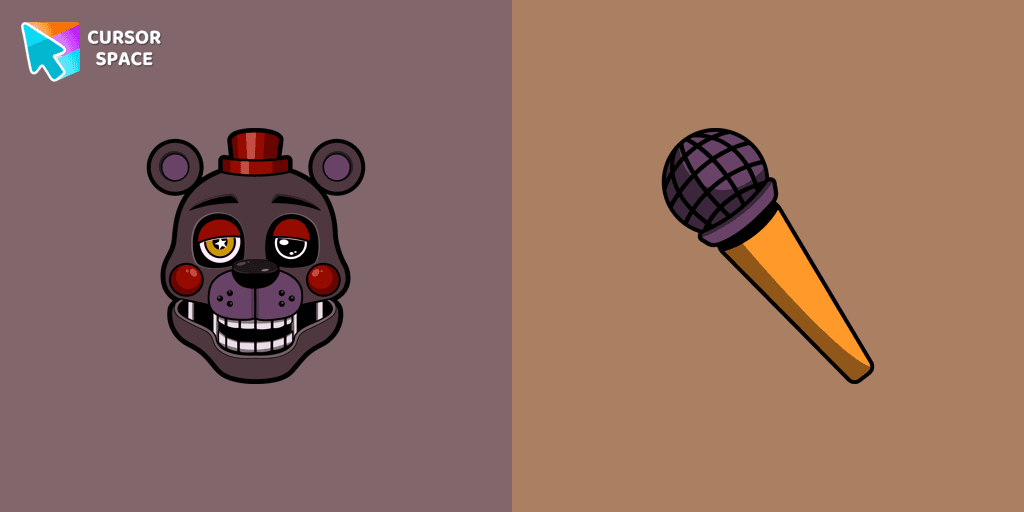
Cursors in the pack

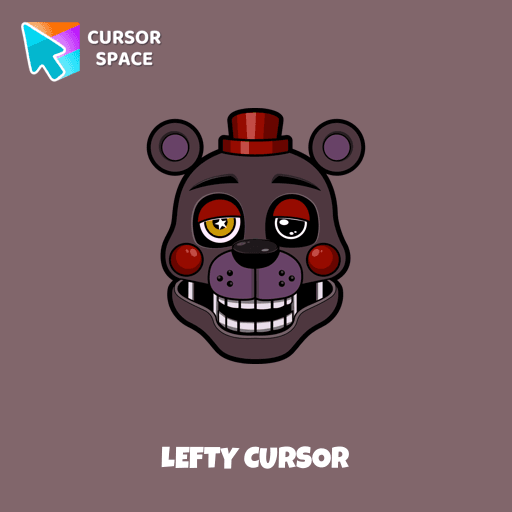
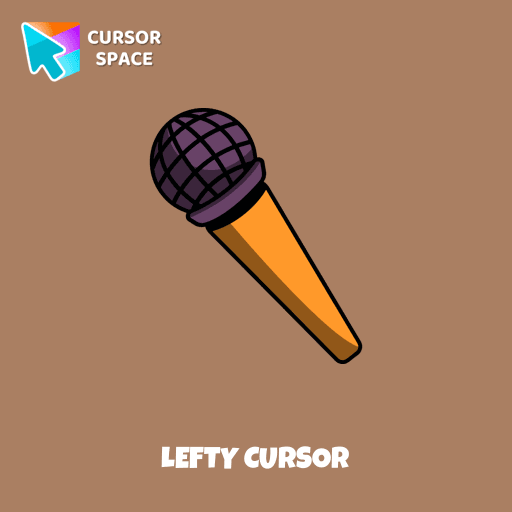
Description
What's included in the package
- Default Cursor
- Pointer (Hand)
How to install a custom cursor pack Lefty Cursor
Install the Cursor Space extension for Chrome or Cursor Space for Edge in your browser.
On this page, click "Add this cursor pack to the extension".
Open the extension and go to the Packs tab.
Find the custom cursor pack "Lefty cursor" and click it.
Enjoy!
Ready to install?
Get this cursor pack and thousands of others by installing our extension. It's fast and free!
About this cursor pack
Lefty Cursor is a themed cursor pack you can add to your browser to personalize your pointer across common cursor states (default and pointer). Use it for everyday browsing, streaming, studying, or gaming-anywhere you want your cursor to match your vibe.
Instant preview
See how the cursors look before installing.
Easy install
Add the pack to the extension in a few clicks.
Works in your browser
Designed for Chrome and Edge via the extension.
FAQ
Quick answers to common questions about cursor packs, collections, and installation.
Do I need an extension?
Which browsers are supported?
How do I switch back to the default cursor?
Popular cursors today
Custom cursor and packs - neon, anime, pixel art. Quickly add to Chrome and Microsoft Edge for free
- TOP 1

Orange Line cursor
(89)FreeWhy settle for a default cursor when you can upgrade to The Orange Line and enhance your experience with The Cursors collection?
- TOP 2

Orange gradient cursor
(2.0k)FreeUpgrade your browsing with the Vibrant Orange Gradient Cursor. This custom cursor offers a seamless orange gradient, merging style with functionality
- TOP 3

Spinner cursor
(286)FreeThe Spinner cursor is a distinctive and visually appealing choice for your mouse cursor, providing an opportunity to set yourself apart from the default cursor.
Kamisato Ayaka cursor
(81)FreeСustom cursor with Ayaka includes a mouse cursor in the form of a fan and a hover pointer with Kamisato Ayaka.
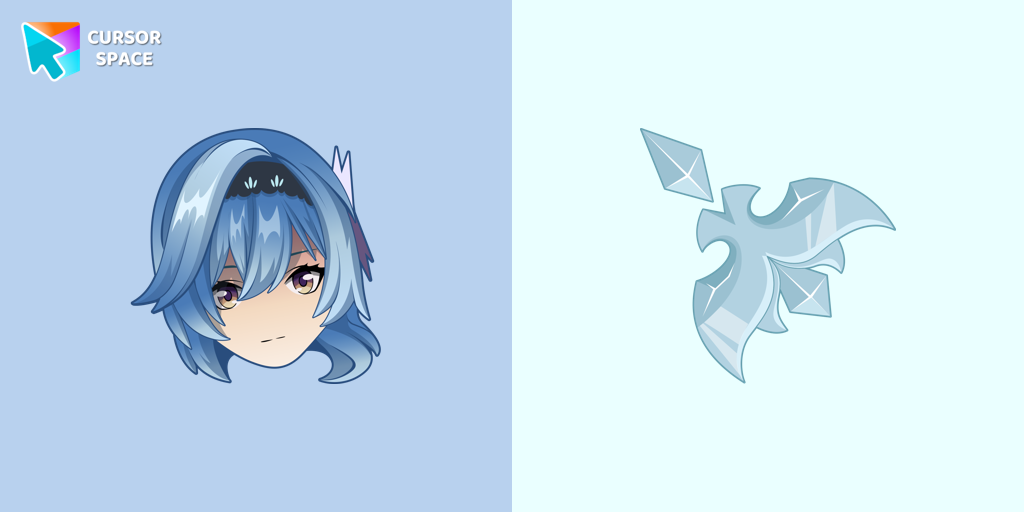
Eula cursor
(75)FreeEula cursor for mouse and custom hover pointer with character's weapon in Genshin Impact collection of custom cursors.
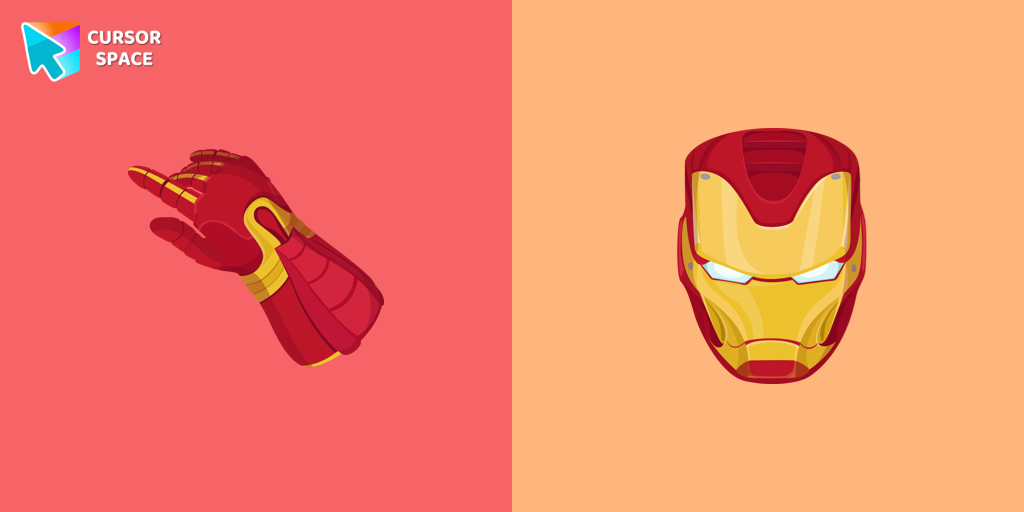
Iron Man cursor
(355)FreeUpgrade your browsing with the Iron Man custom cursor for Google Chrome. This sleek and futuristic design adds a touch of sophistication for superhero fans.

Grim Matchstick cursor
(86)FreeEnhance your browsing with the Grim Matchstick custom cursor for Google Chrome. This animated cursor brings the fiery charm of the Cuphead boss to your screen.
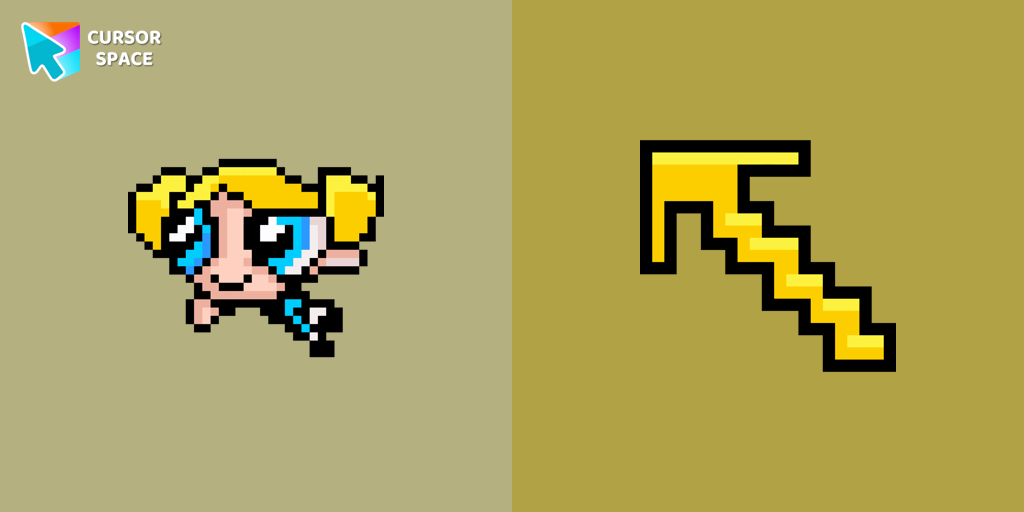
Bubbles Pixel cursor
(88)FreePretty Bubbles Pixel cursor will change the usual mouse cursor to a cute one from our Cute Pixel collection.
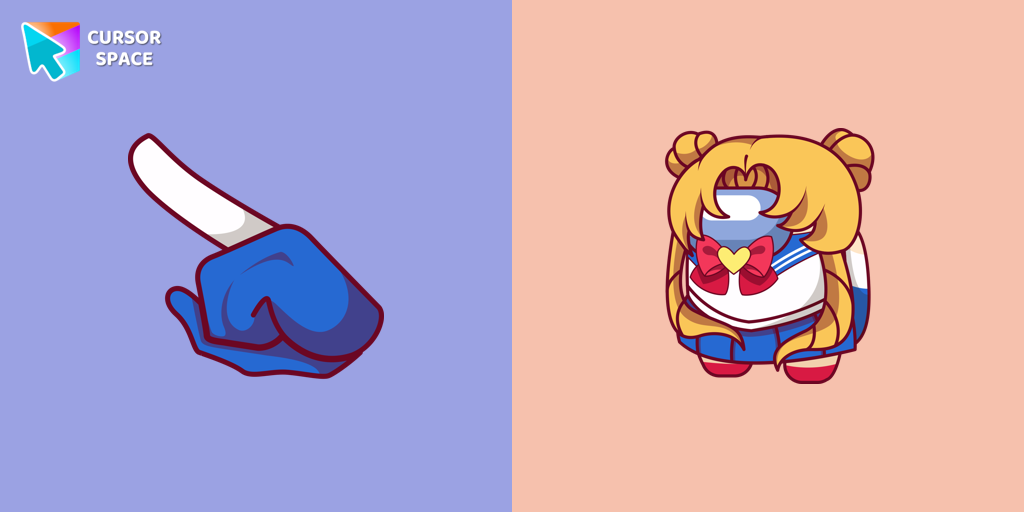
Among Us Sailor Moon Character cursor
(95)FreeExperience the magic of Sailor Moon with the custom cursor for Google Chrome. Add this unique custom cursor to your gaming for a fun crossover of Among Us and Sailor Moon.

Among Us Deer Character cursor
(85)FreeUnlock Fun and Whimsy with the Among Us Deer Character Cursor Funart
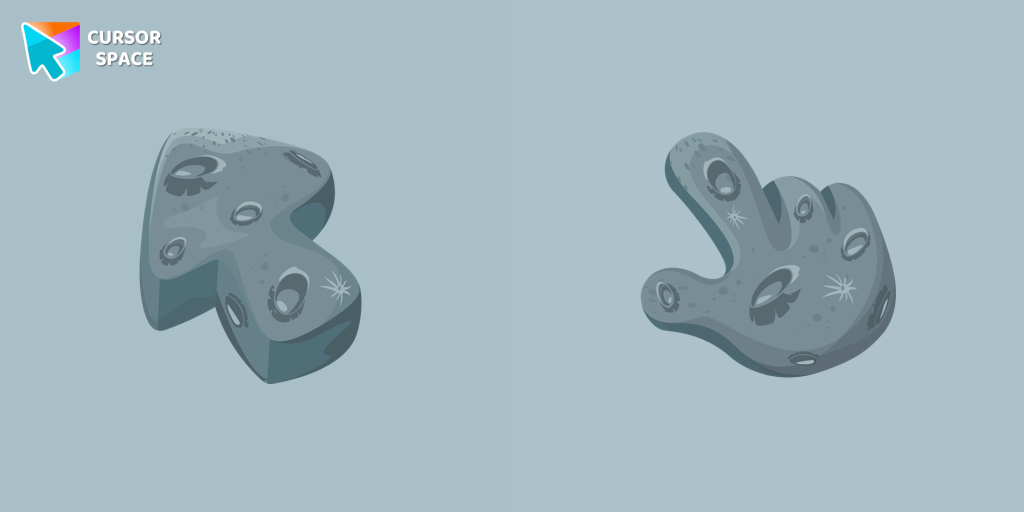
The Moon Texture cursor
(181)FreeExplore the wonders of the universe right from your screen with the Moon Texture custom cursor for Google Chrome designed to inspire your cosmic curiosity.

Mr. Chimes cursor
(78)FreeMr. Chimes Cursor is a custom cursor for Google Chrome that adds a creepy yet whimsical monkey trail to your mouse, personalizing your browsing experience.
Install Cursor Space - A Collection of Custom Cursors for Chrome & Edge
Add packs instantly and unlock access to thousands of cursors: neon, anime, pixel-art, and more. Fast, safe, and free.
- Free cursor packs
- HD/HiDPI & animated icons
- Quick browser installation
Cursor Space is an extension for changing your mouse cursor in Chrome and Edge browsers: themed collections, HiDPI icons, neon, animated, and pixel cursors, with quick installation.